


Free Online CAD File Converter
Convert DWG drawings to DXF in your browser, and see the drawing before you save it.

Convert a CAD file now
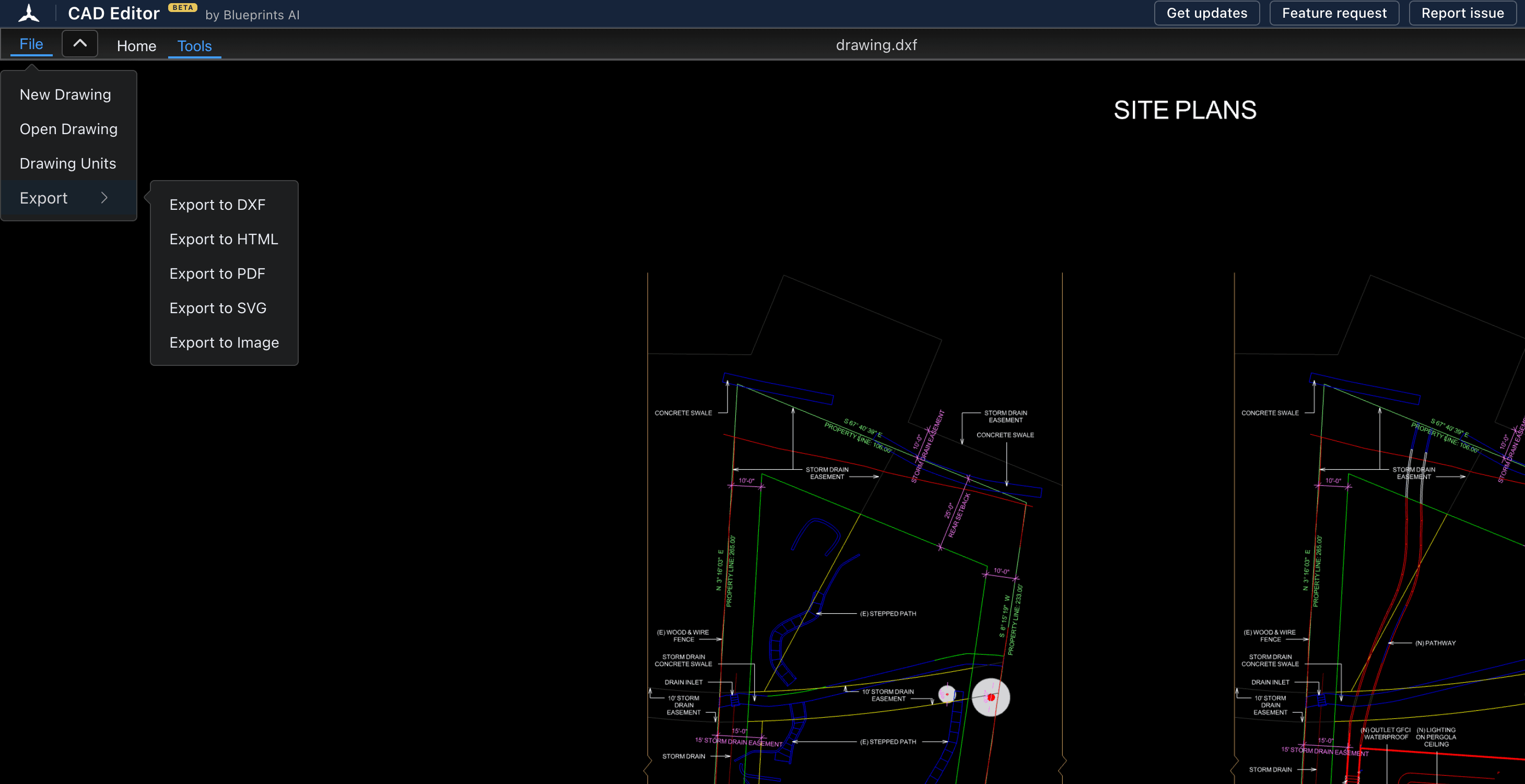
The editor opens in a new tab. Drag in a DWG or DXF file, then choose File, Export, Export to DXF.
Open the CAD converter(opens a new tab)- Free
- No install
- No account
- Mac, Windows, iPad, phone
4,444 people used CAD Editor in the last 30 days.
CAD Editor converts DWG files to DXF for free in your web browser. Open the DWG in the editor, check it, and choose File, Export, Export to DXF. Because the converter is a full CAD editor, you see the drawing first and can fix it before you save. No install and no account.
How the converter works
- 1
Open the file
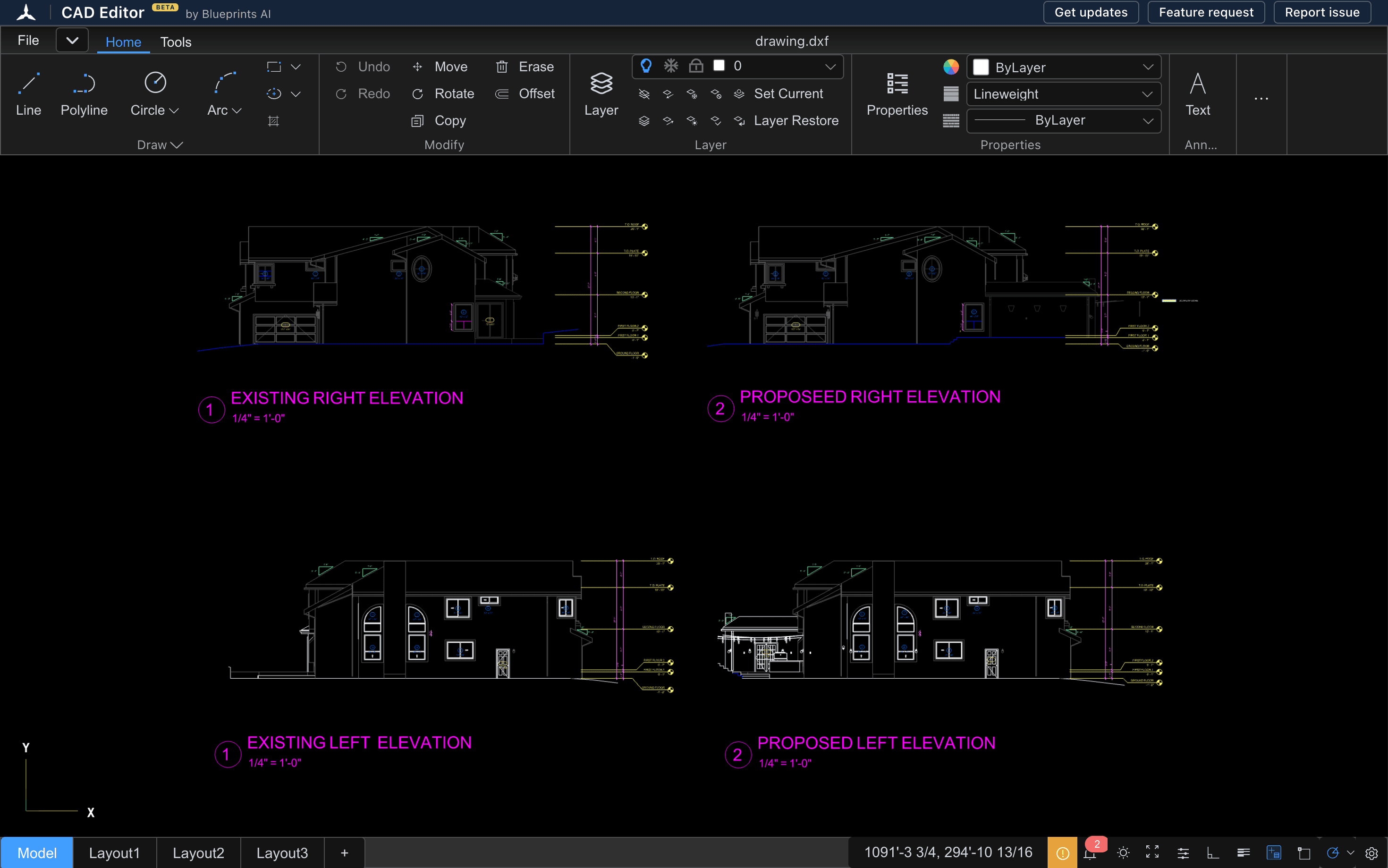
Open the converter and drag in your DWG or DXF file. It opens as a drawing, not a progress bar.
- 2
Check or fix it
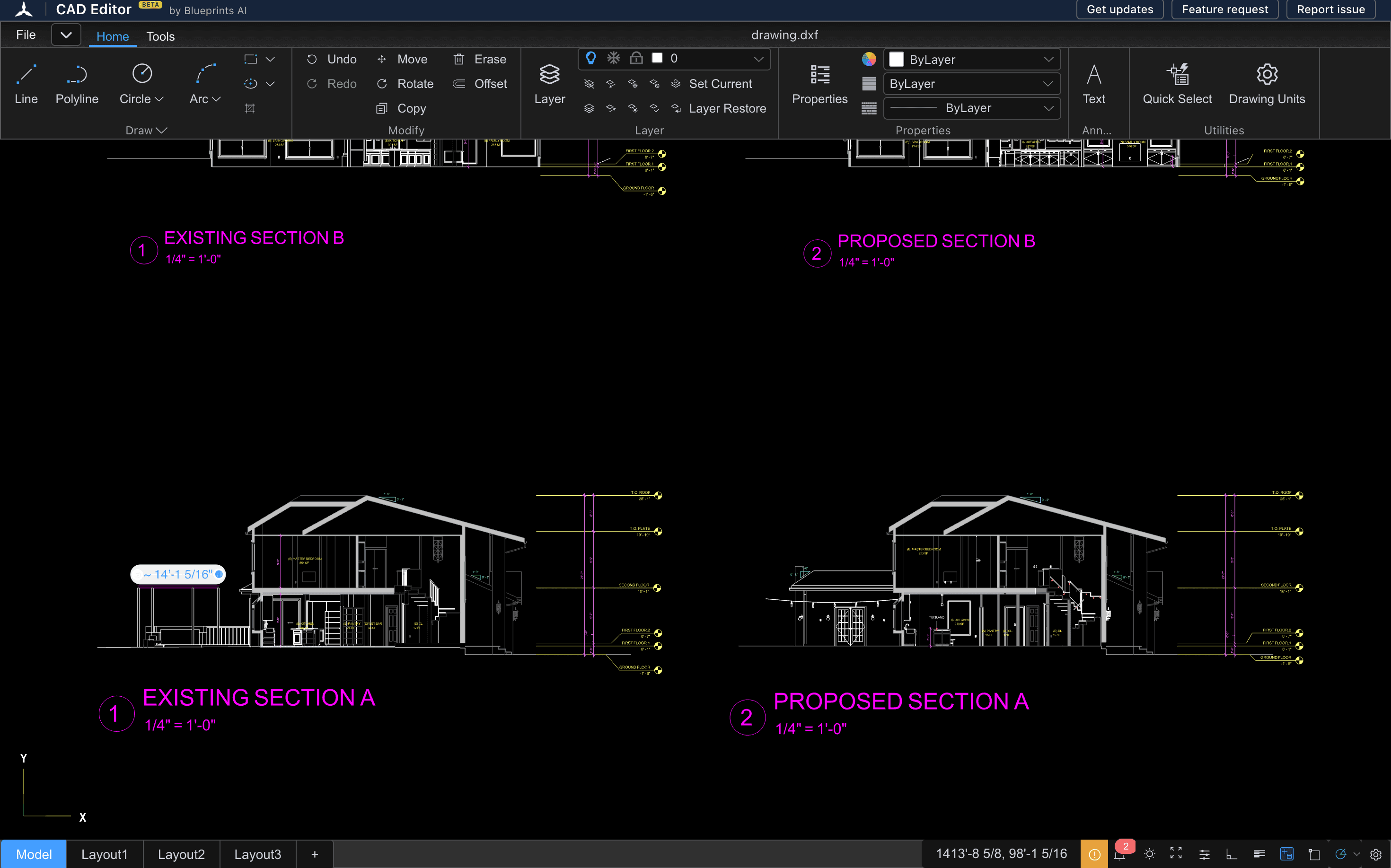
Zoom, turn layers on and off, and measure. Change anything that is wrong with the drawing tools on the Home tab.
- 3
Export it
Choose File, Export, Export to DXF, and the file downloads.
Converters
Which conversions work today
This page lists a conversion as working only after we test it with real drawings. Here is where each one stands:
| From | To | Status |
|---|---|---|
| DWG | DXF | Works today: DWG to DXF converter |
| DXF | DXF | Works today: open a DXF, edit it, export a fresh DXF |
| DWG or DXF | PDF, SVG, image, HTML | In the editor's Export menu, and being tested with real drawings |
| DXF | DWG | Not available. CAD Editor does not write DWG |
A conversion that passes our tests gets its own page here, with what it keeps and what it does not.
A converter you can see
An upload converter turns your file into another file and hands it back. You find out what changed when you open the result. CAD Editor opens the drawing first, so you can check the layers, the text and the scale, and fix a problem before it reaches the next person.
It also works where desktop converters do not: on a Mac, a Chromebook or an iPad, in the browser you already have.
Questions
Is there a free DWG converter?
Yes. CAD Editor converts DWG to DXF for free in your web browser, with no install and no account.
Can I convert DWG to PDF here?
Not yet. The editor has an Export to PDF button, and we are testing what it produces with real drawings before we offer a DWG to PDF converter.
Can I convert DXF to DWG?
No. CAD Editor saves DXF only. It cannot write DWG files.
Do I need AutoCAD to convert a DWG?
No. CAD Editor reads DWG and writes DXF on its own, in the browser.
Can I edit the file before I convert it?
Yes. The converter is a 2D CAD editor, so you can draw, move, delete and change layers before you export.
Related tools
- DWG to DXF converterOpen a DWG in your browser, check the drawing, and save it as a DXF that other CAD, laser and CNC programs can read.
- CAD viewerOpen DWG and DXF drawings in any browser, on any device, with nothing to install.
- DWG viewerOpen a DWG file in your browser and look through the drawing: zoom, layers, layouts and measurements. No AutoCAD, no install, no account.
- DXF viewerOpen a DXF file in your browser, check it, and fix it in the same window if something needs to change.