


Free AutoCAD® alternative that runs in your browser
Open, draw and edit 2D drawings online, free. No install, no account.
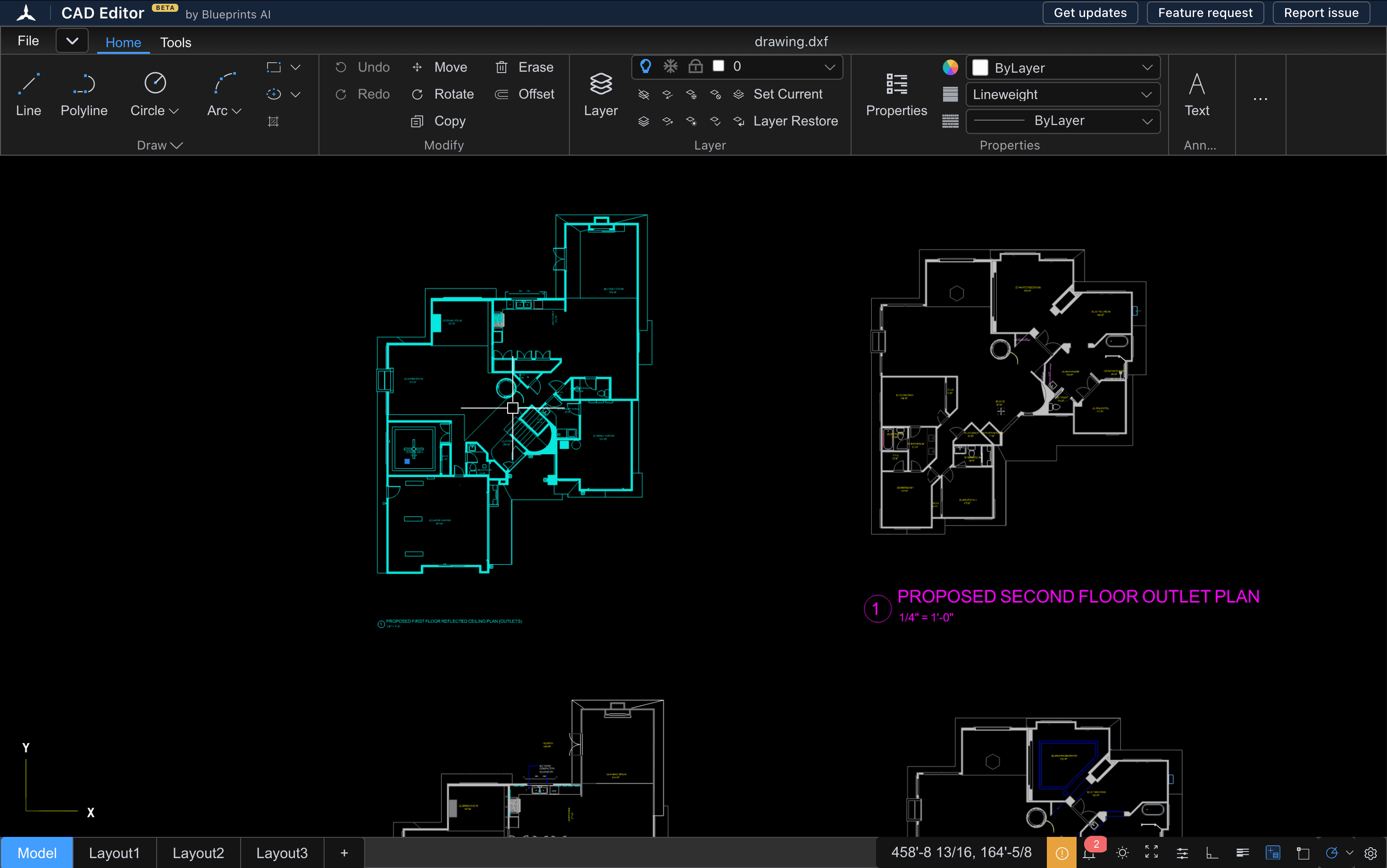
- $0
- No account
- No install
- Mac, Windows, iPad, phone
Why people look for an AutoCAD alternative
The price
AutoCAD costs $2,095 a year for one user. CAD Editor costs $0, with no trial that runs out.
The install
AutoCAD is desktop software for Windows and Mac. CAD Editor opens in a browser tab on any computer, tablet or phone.
Occasional use
Many people only need to open, check or fix a DWG™ or DXF drawing now and then. A yearly seat is a lot to pay for that.
Is there a free AutoCAD?
No. AutoCAD itself is paid software. Autodesk offers a short free trial, and free one-year access, which can be renewed, for eligible students and teachers.
If you need to open or edit a drawing today, CAD Editor is free with no time limit.
Open CAD Editor(opens a new tab)CAD Editor vs. AutoCAD
Twelve things side by side, including the ones AutoCAD does and CAD Editor does not.
 CAD Editor | AutoCAD | |
|---|---|---|
| Price | CAD Editor$0 | AutoCAD$2,095 per year for one user |
| Install | CAD EditorNone. Runs in a browser tab | AutoCADDesktop install; a web version comes with the subscription |
| Account | CAD EditorNot needed | AutoCADAutodesk account needed |
| Open DWG and DXF files | CAD EditorYes | AutoCADYes |
| 2D drafting | CAD EditorYes: lines, arcs, polylines, circles, hatches, layers | AutoCADYes |
| 3D modelling | CAD EditorNo | AutoCADYes |
| Save as DWG | CAD EditorNo. Exports DXF, which AutoCAD opens | AutoCADYes |
| Devices | CAD EditorMac, Windows, Linux, Chromebook, iPad, Android; phones for viewing | AutoCADWindows and Mac; web and mobile apps with the subscription |
| Units and dimensions | CAD EditorFeet and inches, with dimensions | AutoCADYes, full set |
| Keyboard shortcuts | CAD EditorFamiliar CAD shortcuts | AutoCADAutoCAD commands |
| Plug-ins and automation | CAD EditorNo. An AI assistant is in development | AutoCADYes |
| Best for | CAD EditorOpening, checking and editing 2D drawings quickly | AutoCADFull-time professional drafting and 3D work |
AutoCAD price from Autodesk's website, checked November 2026.
What you can do in this free online AutoCAD alternative
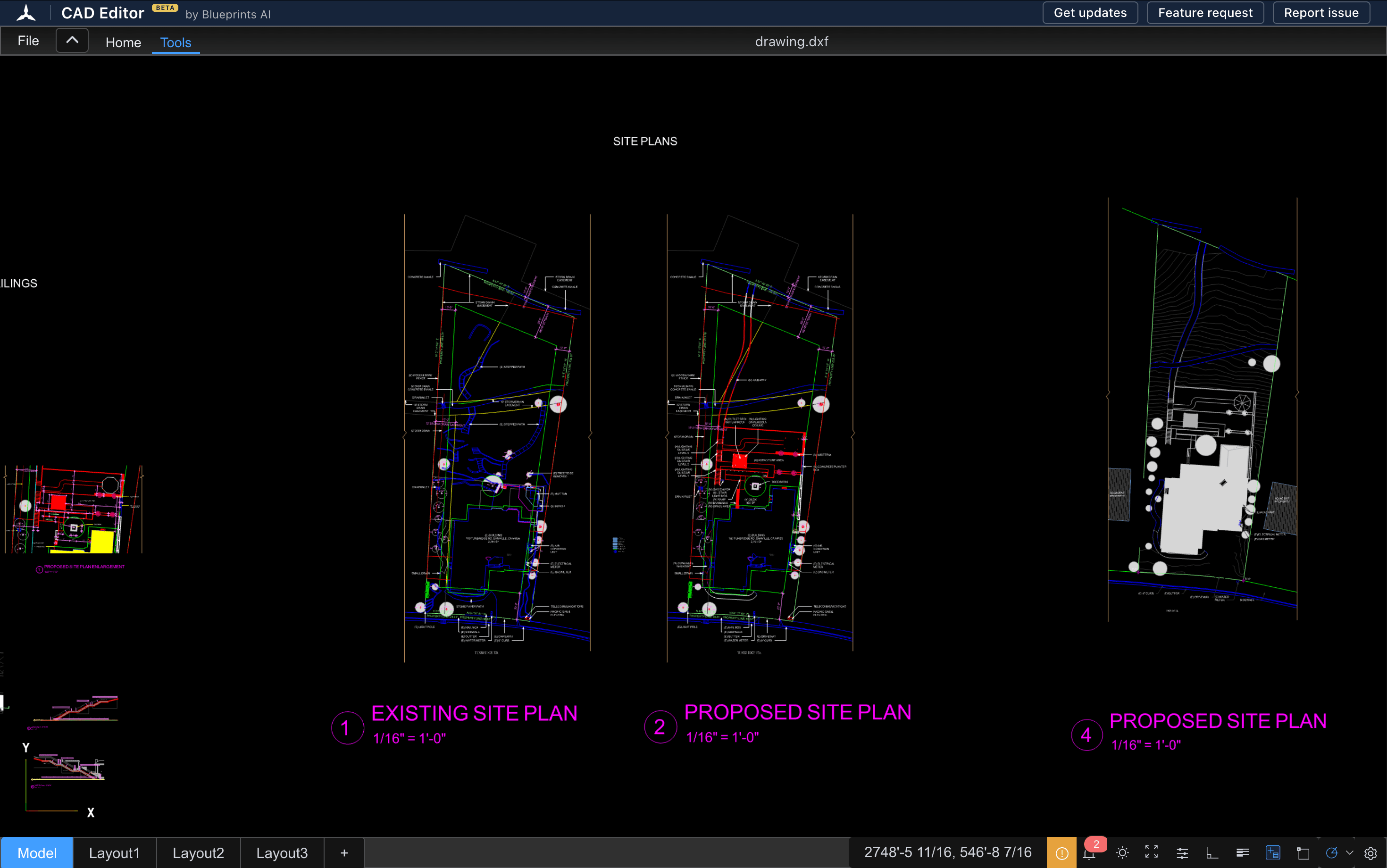
Open DXF and DWG
Drag in a DXF or DWG and it opens in your browser, with no install and no account.
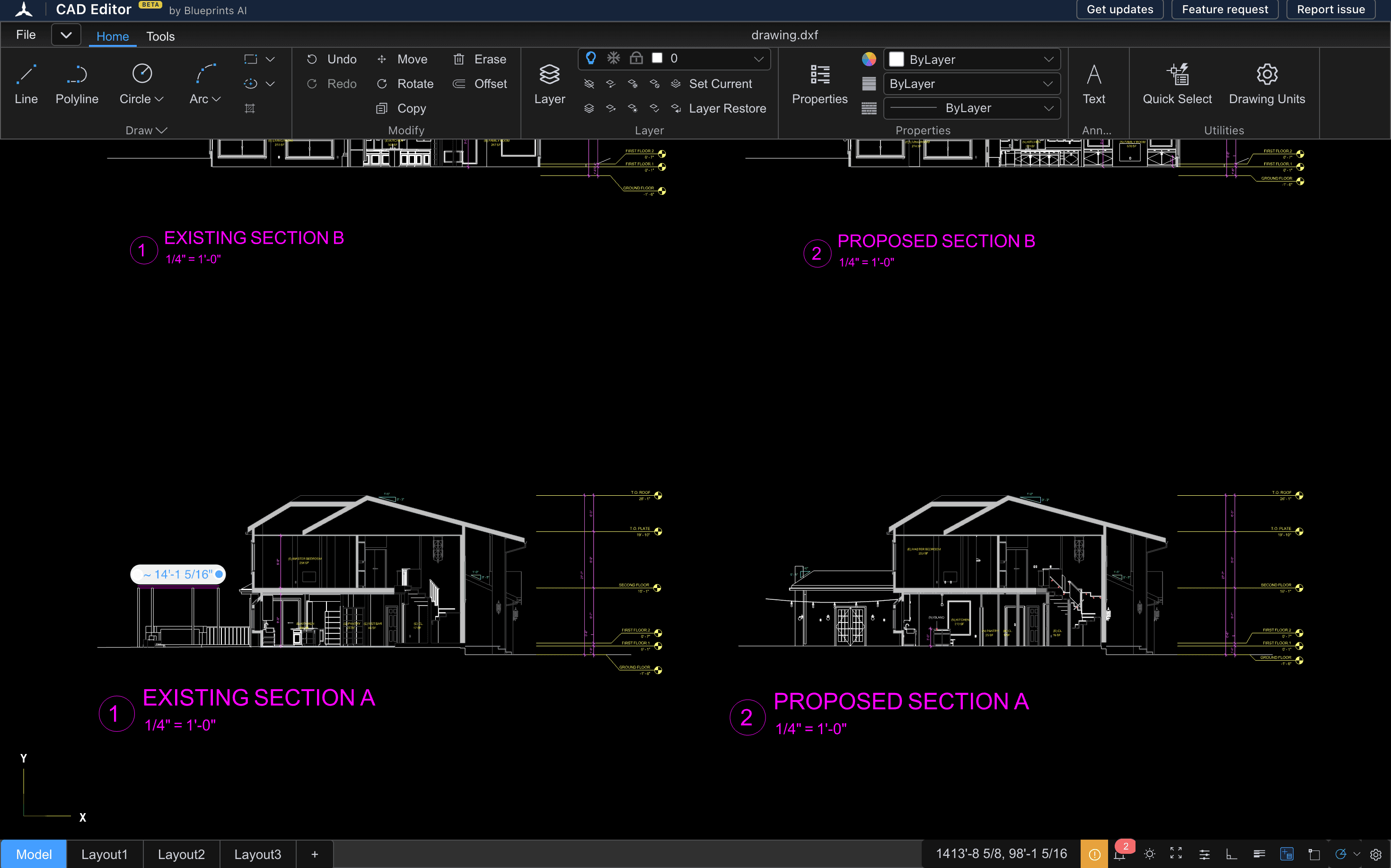
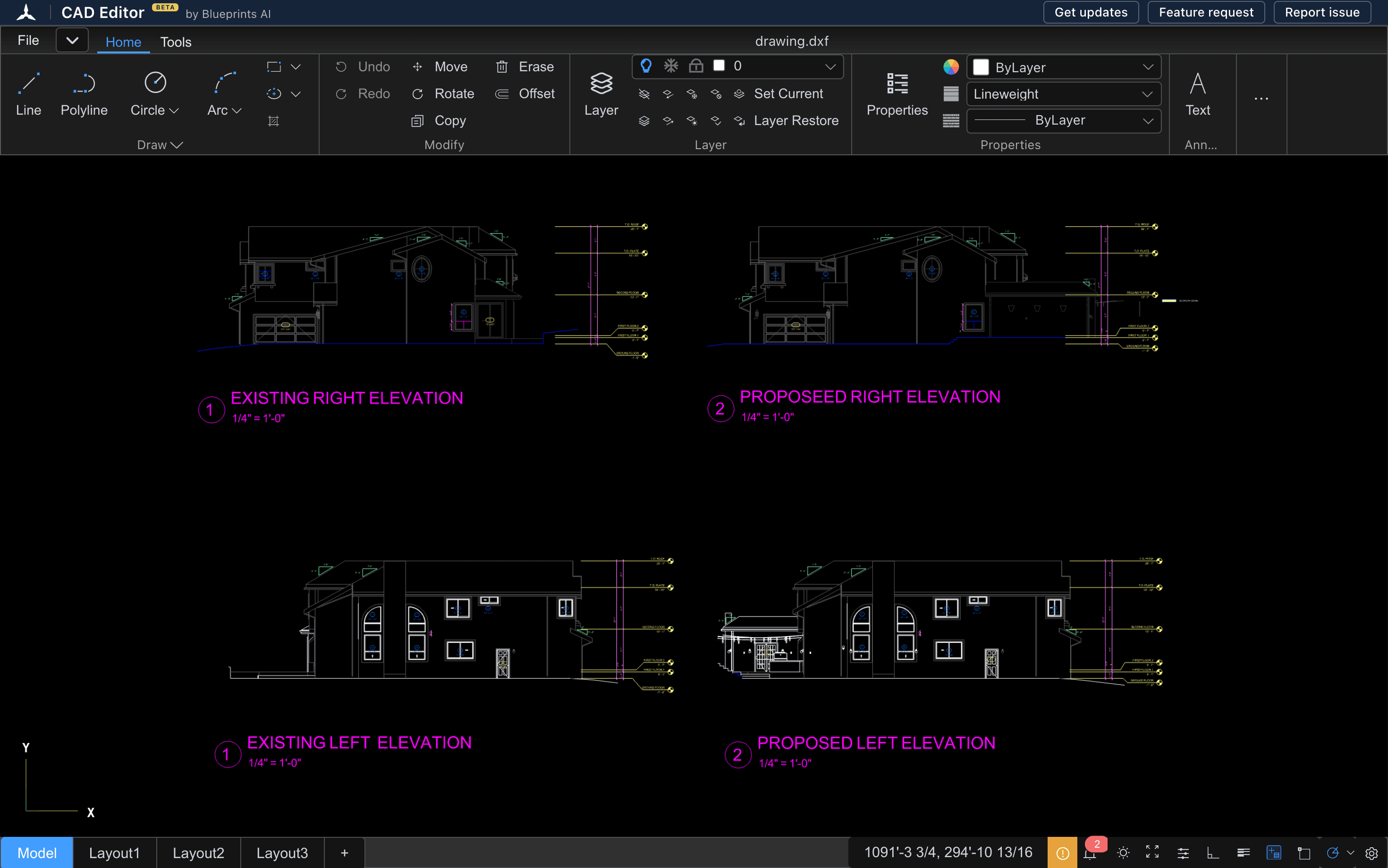
Draw and edit in 2D
Lines, polylines, circles and arcs. Move, rotate, copy and offset.
Angle snaps at 30, 45, 60 and 90 degrees
Snaps tuned for buildings, so walls and corners stay true.
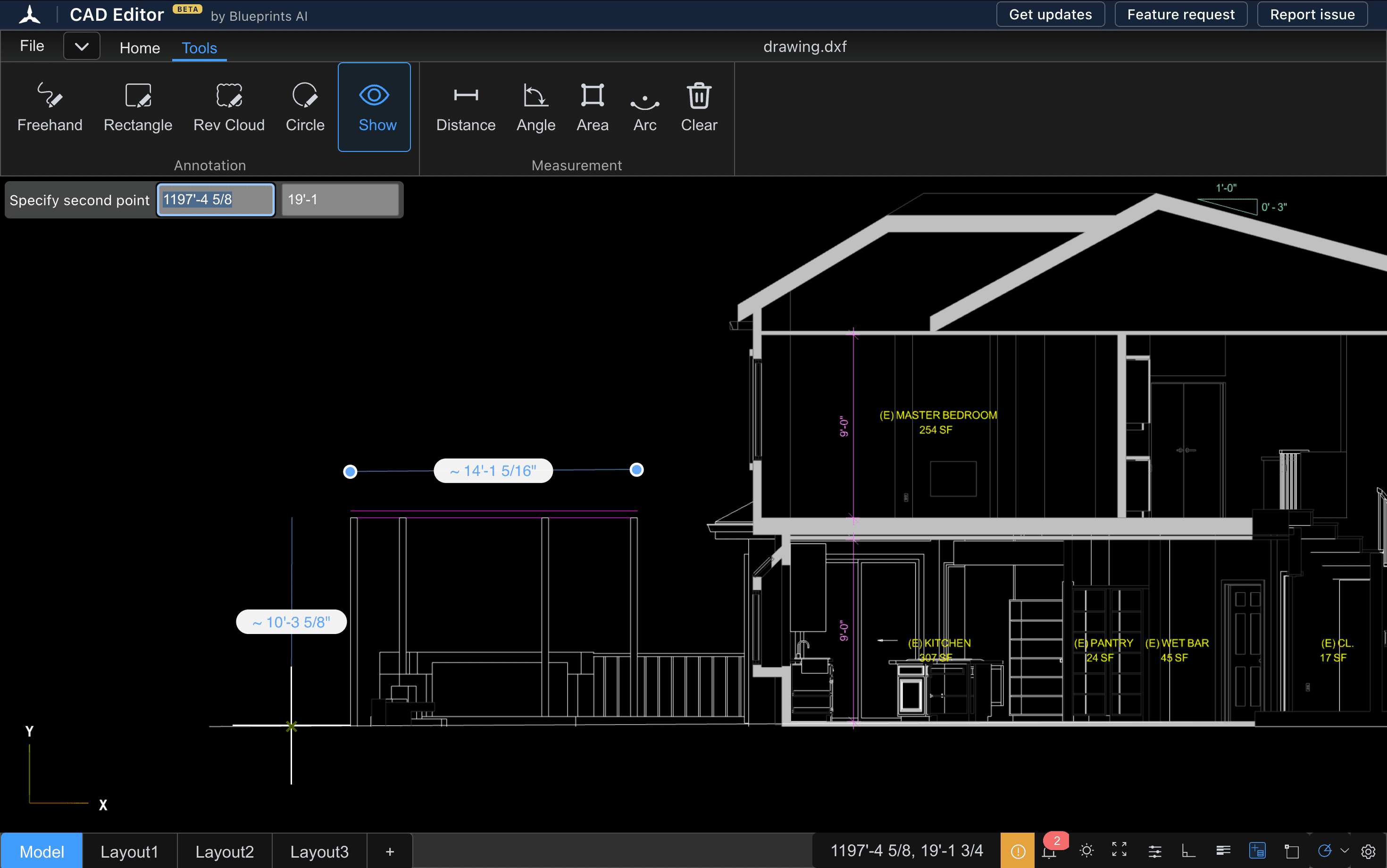
Feet and inches, with dimensions
Work in architectural units, with dimensions that read like a real drawing.
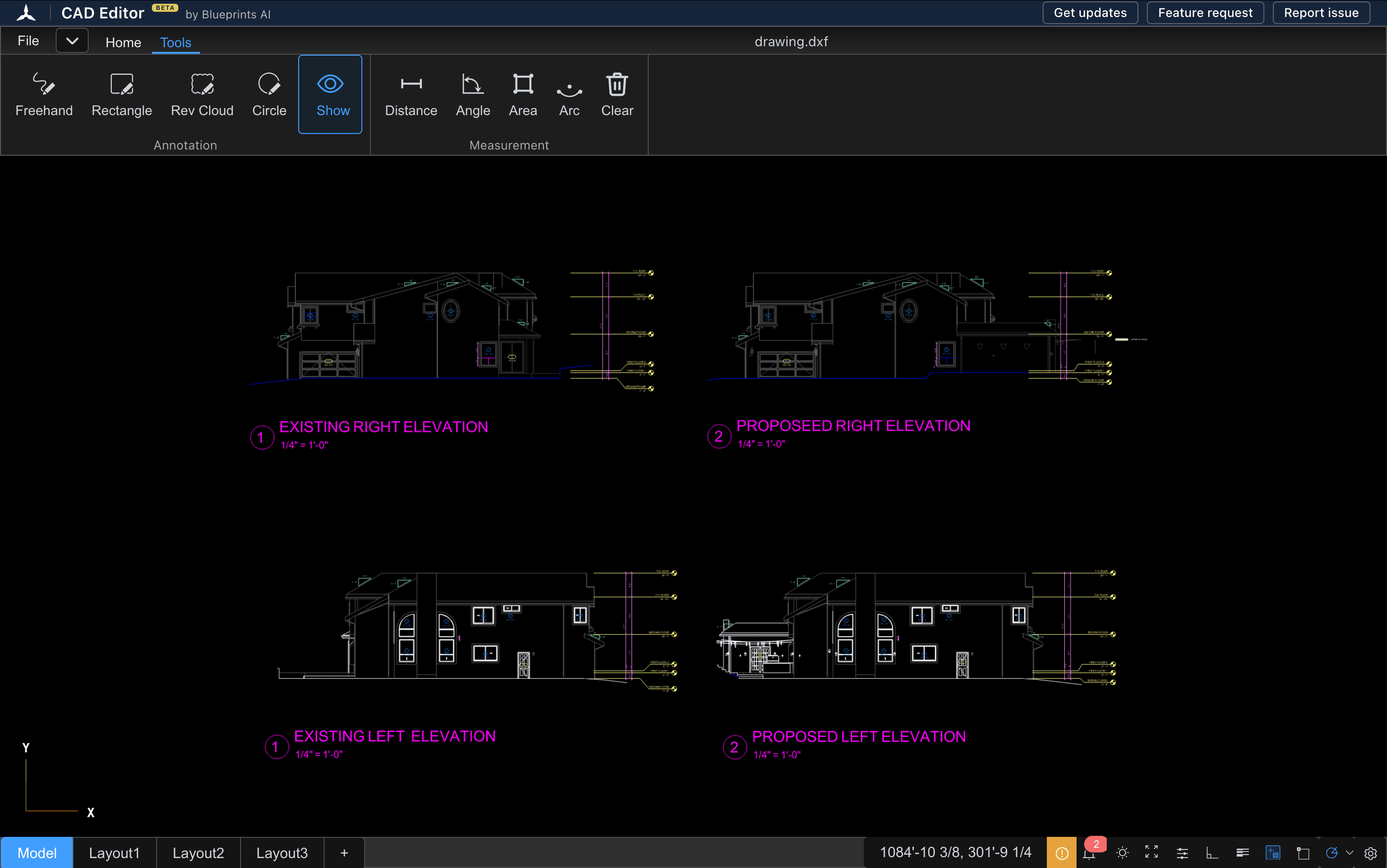
Layers and hatches
Work on layers, set the current one, and keep hatches as they were drawn.
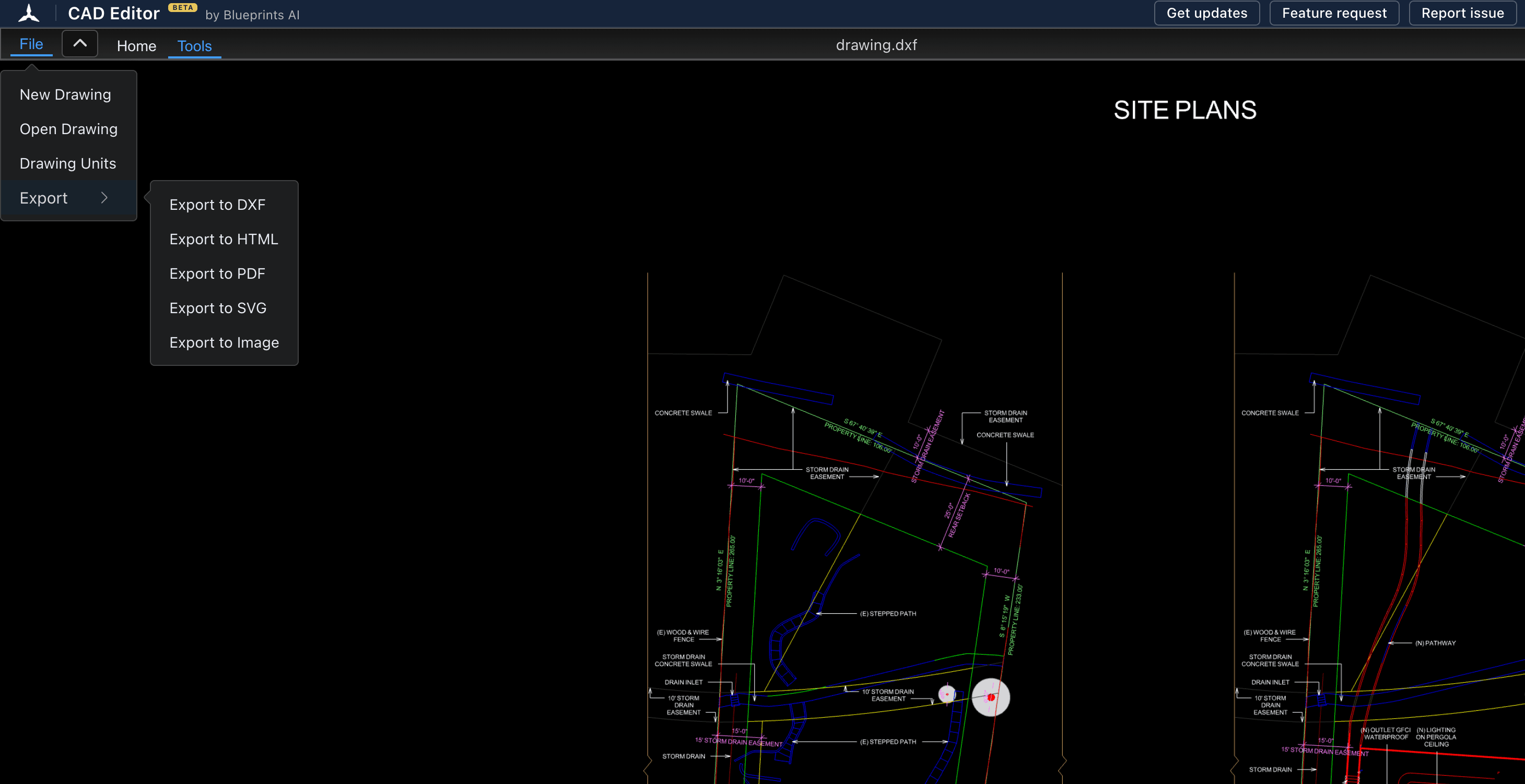
Export clean DXF
Export a tidy DXF, which AutoCAD and other CAD programs open.
When AutoCAD is still the better choice
CAD Editor is for 2D work. AutoCAD is the better choice when you need:
- 3D modelling. CAD Editor draws and edits in 2D only.
- Saving DWG files. CAD Editor opens DWG files and exports DXF, which AutoCAD opens.
- Plug-ins and automation. AutoCAD runs add-ons and scripts. CAD Editor does not; an AI assistant is in development.
- Large team workflows. Full-time drafting across many seats, with shared company standards.
Coming from AutoCAD? Start in three steps
Most of what you know carries over.
Open your DWG or DXF
Open CAD Editor and drag your DWG or DXF into the browser tab. Nothing to install, no account.
Edit with the shortcuts you know
Use the keyboard shortcuts you already know from desktop CAD. Snap to architectural angles and work in feet and inches.
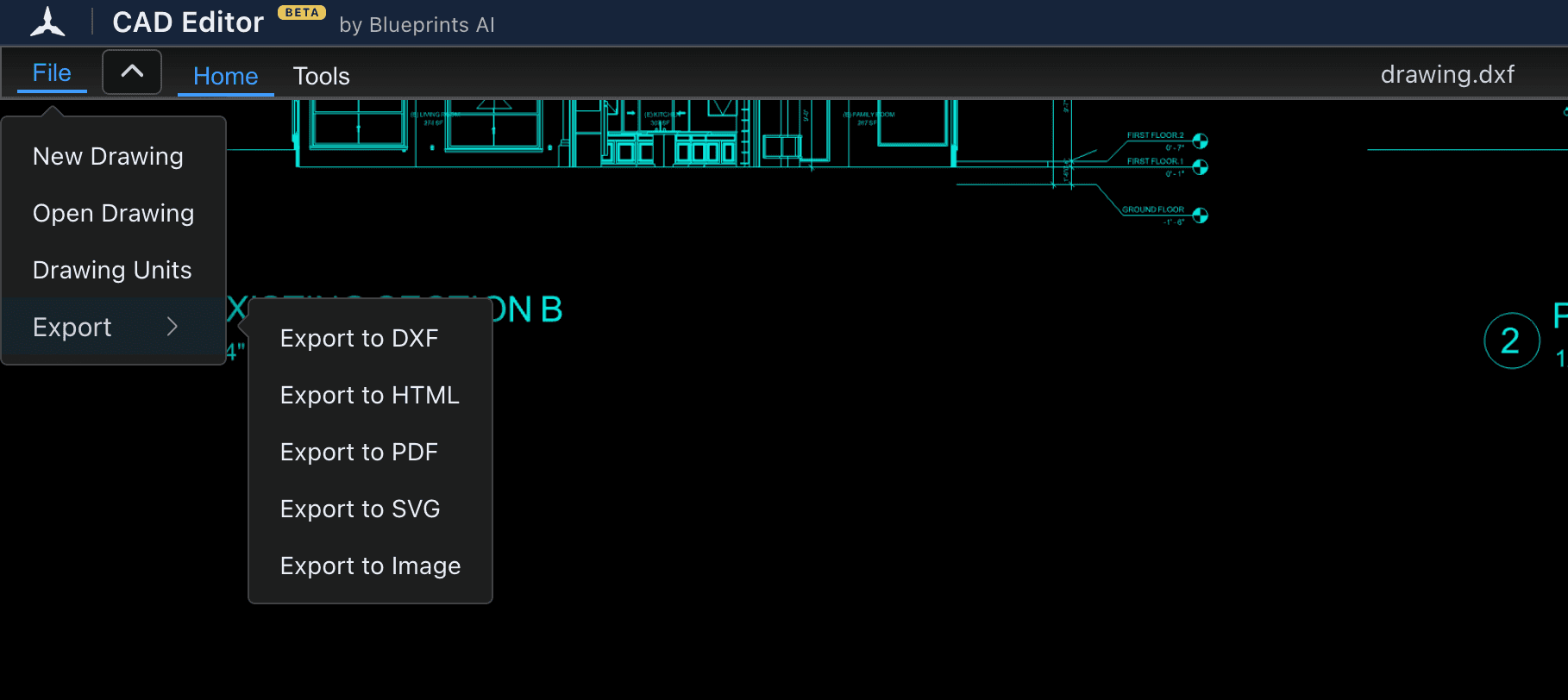
Export DXF
Choose File, Export, Export to DXF. The DXF opens in AutoCAD and other CAD programs.
More free CAD tools
- DWG viewerOpen a DWG file in your browser and look through the drawing: zoom, layers, layouts and measurements. No AutoCAD, no install, no account.
- DWG to DXF converterOpen a DWG in your browser, check the drawing, and save it as a DXF that other CAD, laser and CNC programs can read.
- GuidesPlain answers for anyone who just received a CAD file and needs to open it.
AutoCAD alternative FAQs
Yes. CAD Editor is a free AutoCAD alternative for 2D drawings that runs in your web browser. It opens DWG and DXF files, lets you draw and edit in 2D, and exports DXF, with no install and no account. For 3D modelling or saving DWG files, AutoCAD is still the better choice.
Yes. Opening, drawing, editing and exporting DXF cost $0. There is no trial that runs out, no account and no card.
Yes. Drag a DWG into CAD Editor in your browser and the drawing opens. You can edit it in 2D and export it as DXF, which AutoCAD opens. CAD Editor does not save DWG files.
AutoCAD itself is paid. Autodesk offers a short free trial, and free access for eligible students and teachers; its web app comes with a subscription. To open or edit a drawing online today, CAD Editor is free in any browser, with nothing to install.
AutoCAD models in 3D, saves DWG files, runs plug-ins and scripts, and suits large teams drafting full time. CAD Editor is for opening, checking and editing 2D drawings quickly. An AI assistant for CAD Editor is in development.
Yes. CAD Editor runs in the browser, so it works on Mac, Windows, Linux, Chromebook, iPad and Android tablets. On a phone it is best for viewing a drawing and checking details.
Try the free AutoCAD alternative
Open CAD Editor(opens a new tab)AutoCAD® and DWG™ are trademarks of Autodesk, Inc. CAD Editor is an independent product and is not affiliated with or endorsed by Autodesk.